Run record
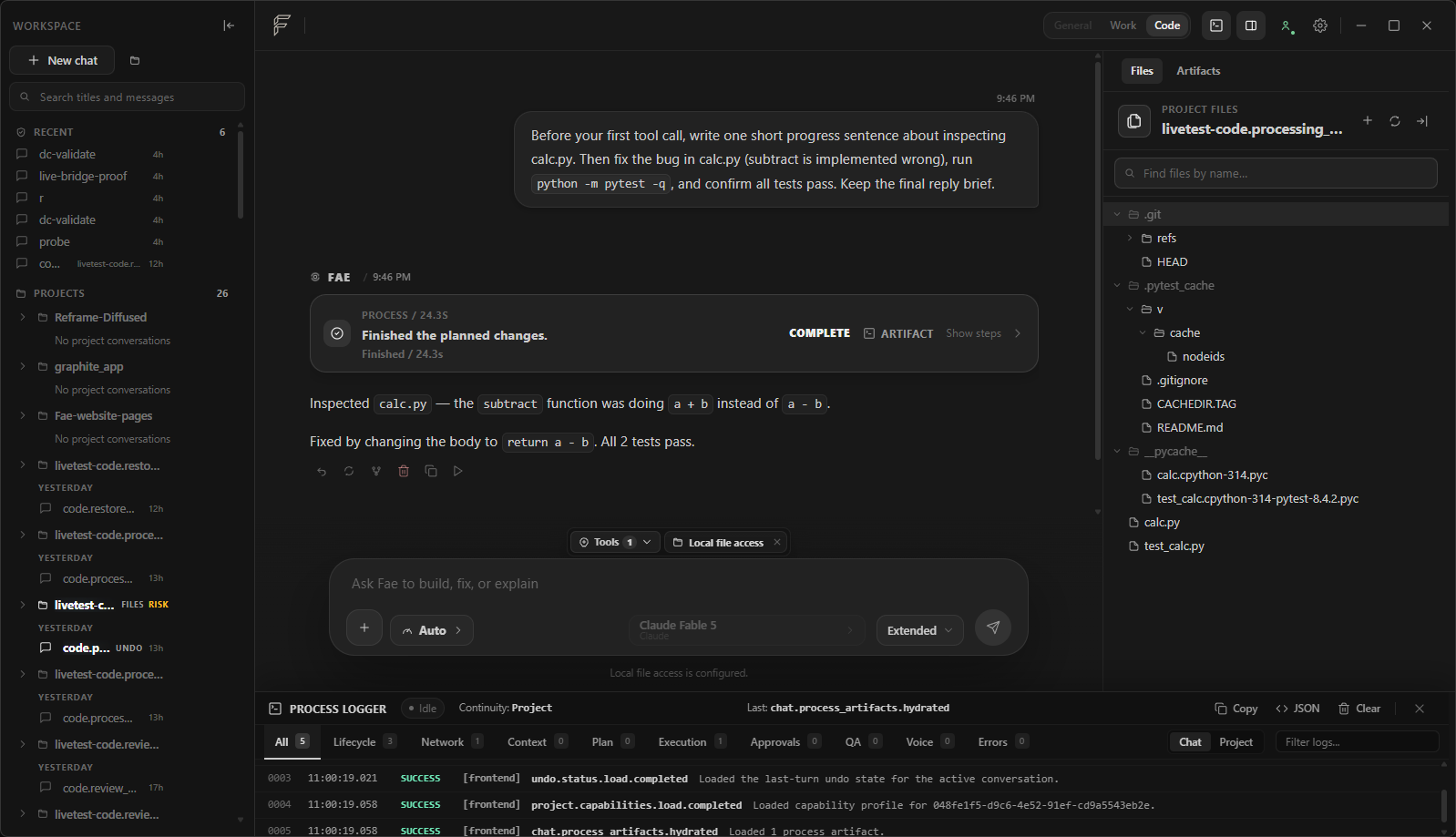
Attached to result
See how the result was produced
Plans and significant actions stay attached to the result.
Research, create, automate, and build from one desktop workspace—with context, permissions, and results kept in view.
Built-in accountability
Permissions, review, recovery, and activity history stay visible throughout the run.
Plans and significant actions stay attached to the result.
Dedicated review views make document and code changes clear.
Restore points show what can return to a known state.
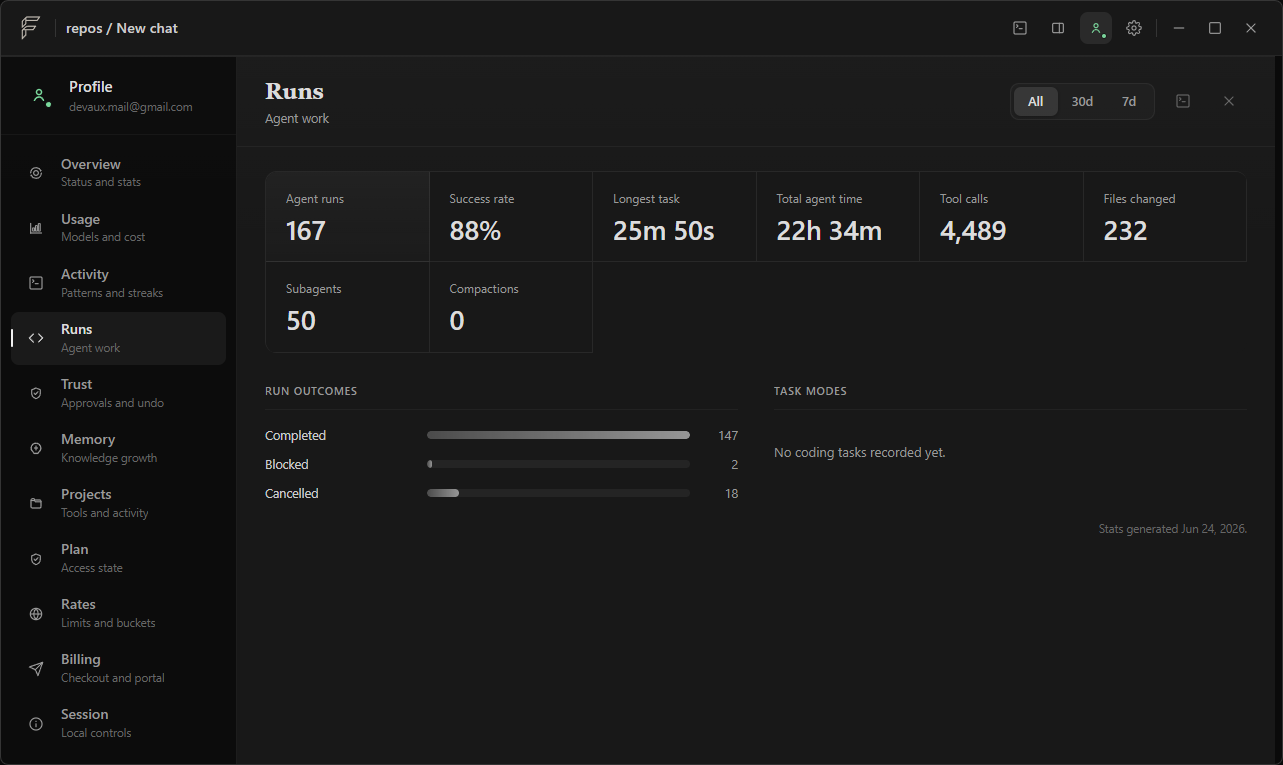
A filterable timeline records actions, context, and outcomes.
Ways to work
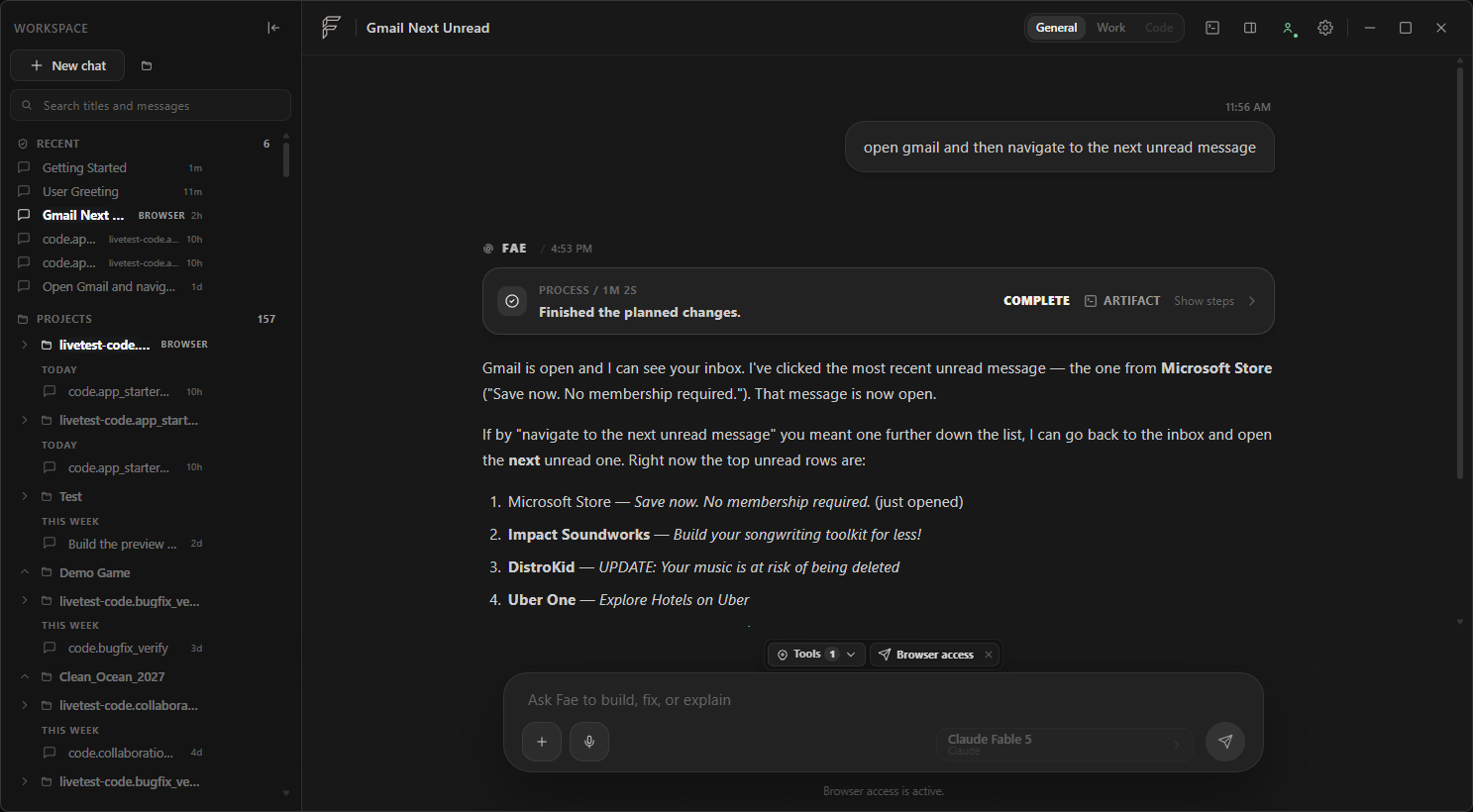
Choose General for conversation, Work for research and browser tasks, or Code for scoped development.
Explore ideas, make decisions, and draft grounded answers—with web sources when needed.
Research, compare, write, and complete browser tasks with sources and connected tools kept visible.
Build in a scoped project with approved commands, live preview, diffs, tests, and recovery.
Boundary
Your workspace stays on your PC. Cloud models and integrations are opt-in.
Local models can keep private workflows entirely on your machine. Fae supports Ollama and llama.cpp as first-class providers.
Continuity
Goals, constraints, working material, and verification carry forward. Checkpoints keep decisions and open questions available for the next turn.
Private beta
Bring one workflow you want to finish and verify. Selected testers receive managed access directly from Fae.